
Portfolio / 05
Windows · Documentation Available
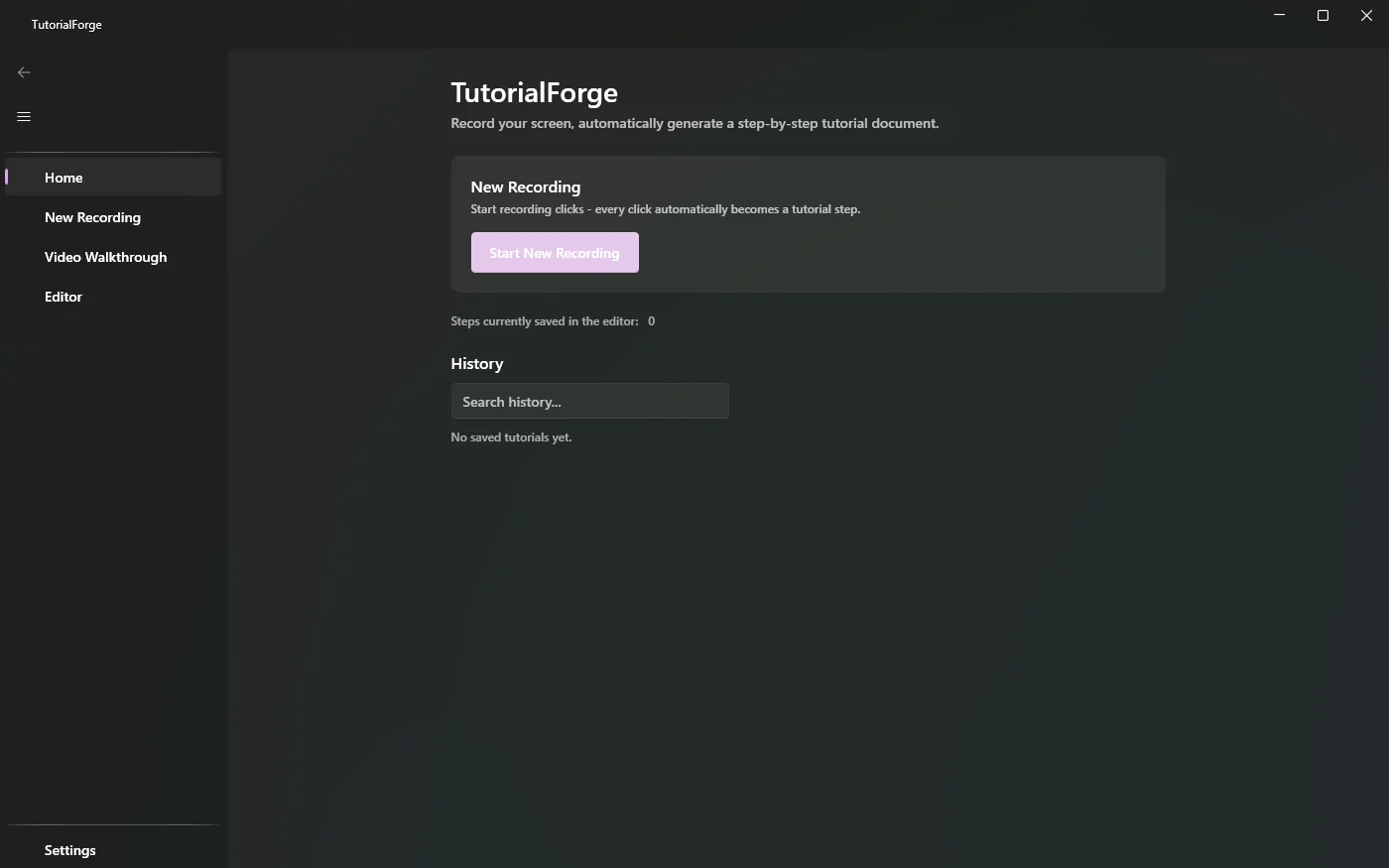
TutorialForge
Do it once. Get the tutorial for free.
TutorialForge turns a walk through any Windows app into a finished step-by-step tutorial. It captures a screenshot on every click and shortcut, works out what you clicked, writes the sentence for you and exports to the format your team already uses.
02Features
What it does.
- 01
Clicks, not video
A screenshot on every click and on key shortcuts. Clean steps instead of a long recording.
- 02
Knows what you clicked
Reads the control under the cursor and writes steps like: Click the button “Save”.
- 03
Privacy by default
Password fields are detected and blurred automatically.
- 04
Capture exactly what matters
Full screen, one monitor, one window or a hand-drawn region.
- 05
Edit, then export
Reorder, merge and annotate steps, then export to Markdown, HTML or DOCX in three themes.
- 06
Premium
PDF and Confluence export, your own logo, and video walkthroughs with a built-in trim editor.
03At a glance
The details.
- Platform
- Windows 10/11, 64-bit
- Version
- 1.4.1
- Install
- MSI installer or portable .zip
- Price
- Free · Premium license on request
04Download
Get TutorialForge.
05More from Albaeva
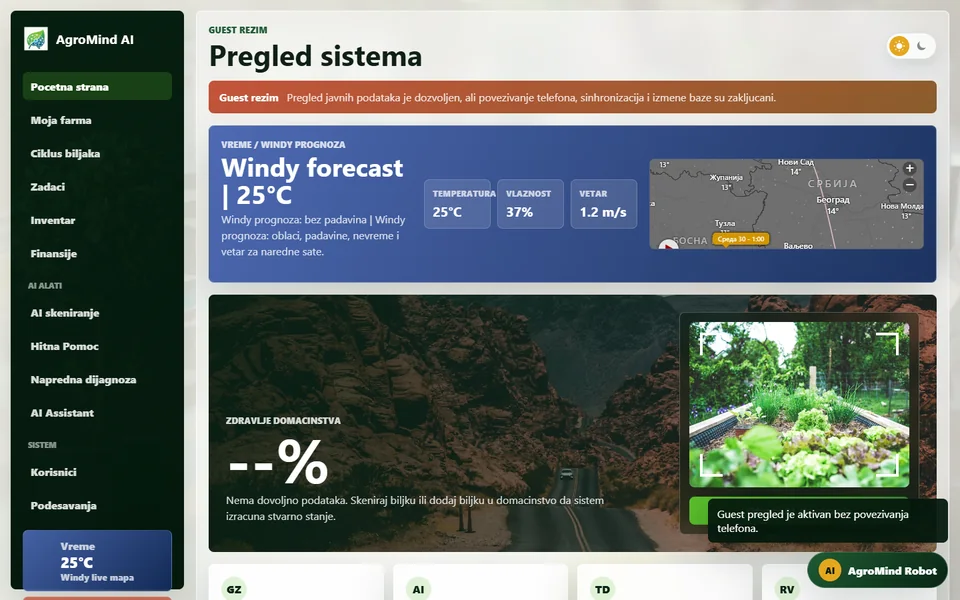 AgroMind AIAgriculture · AI
 WhisperingWoodsComing soon
 BET.AISports analytics · AI
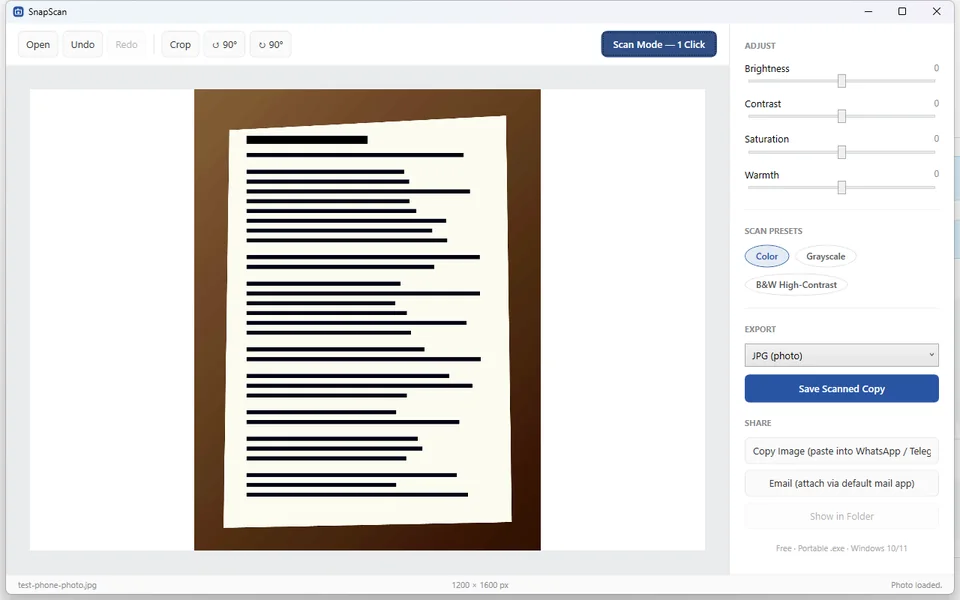 SnapScanWindows · Photos & documents
 InventraWindows · System toolkit